

Products and their twin
Create a product from its 3D file and the manuals or datasheets you already have. Then prepare the product twin: give the parts readable names and set the positions they can take.
Write the documents of a product and its step-by-step procedures from its 3D model and files, publish them to the public or to your team, and see how the procedures are used.
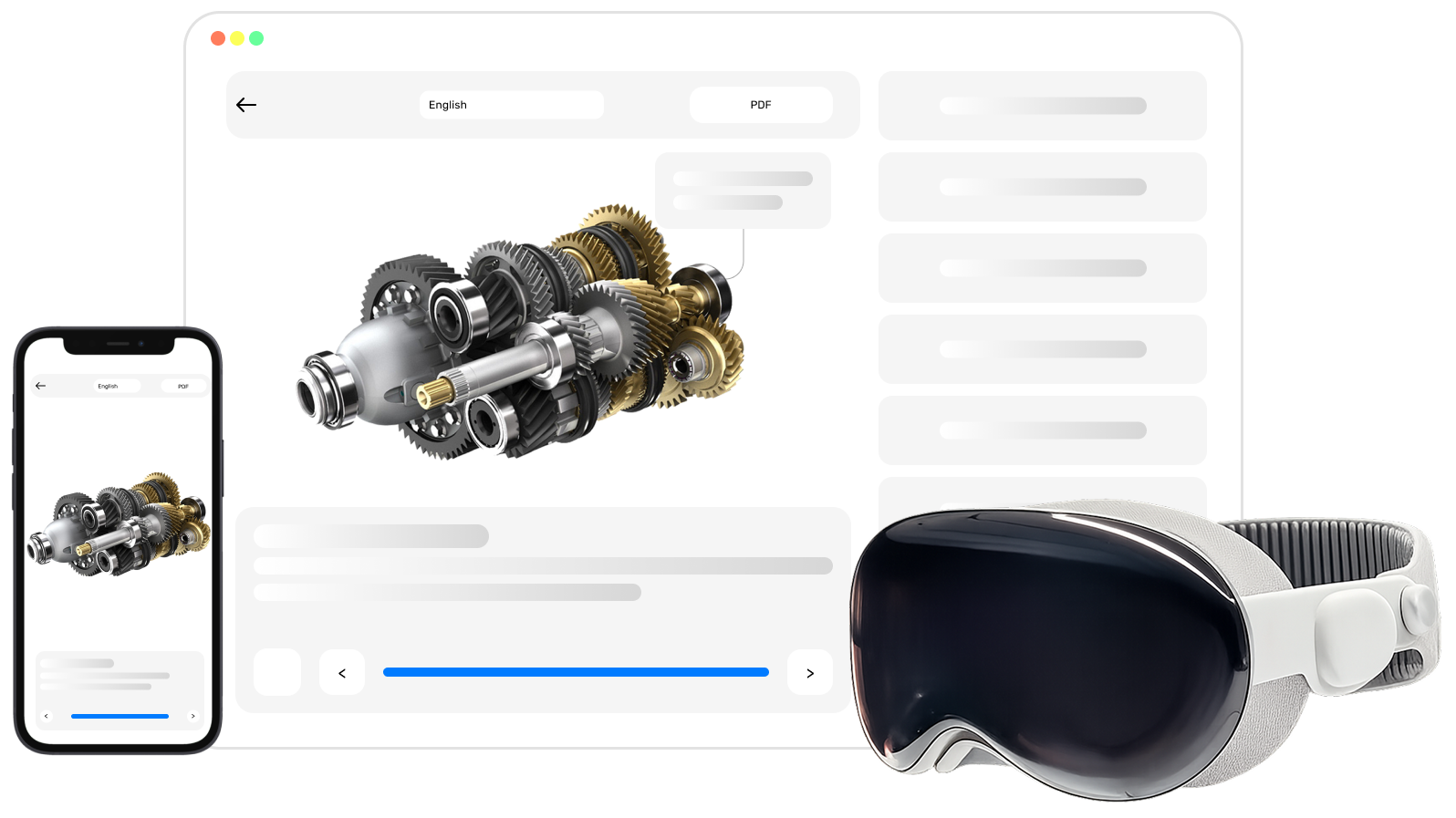
Create a product from its 3D file and the manuals or datasheets you already have. Then prepare the product twin: give the parts readable names and set the positions they can take.
List the documents a product needs. The Assistant, built into TwinWorks, writes a first draft from the files of the product, or you write it yourself. Then have it reviewed and approved.
Create step-by-step procedures shown on the product twin. Start empty, have the steps written from the files of the product or from a video, or record yourself doing the task.
Publish documents and procedures to the public or to your team and share the link or the QR code. Then see how often the procedures are opened, read the reports your team records on them, and find the documentation work that waits for you.
Stages 2 and 3 can be done in either order, and stage 6 at any time, but invite the people who write and review before you send a draft for review. If you were invited to an organization that is already set up, Your tasks lists the documentation work that waits for you.
Getting started goes through these stages once, from signing in to inviting your team. Before you start, check that your browser and your files are supported: Technical requirements. For a question or a problem, see Contact.